Clock In/Out with the Mobile App
Help Center content is being updated. If you have questions, please contact support.
- Download the Workeasy.team mobile app from the App Store or Google Play Store.
- Open the Workeasy.team mobile app and log in.
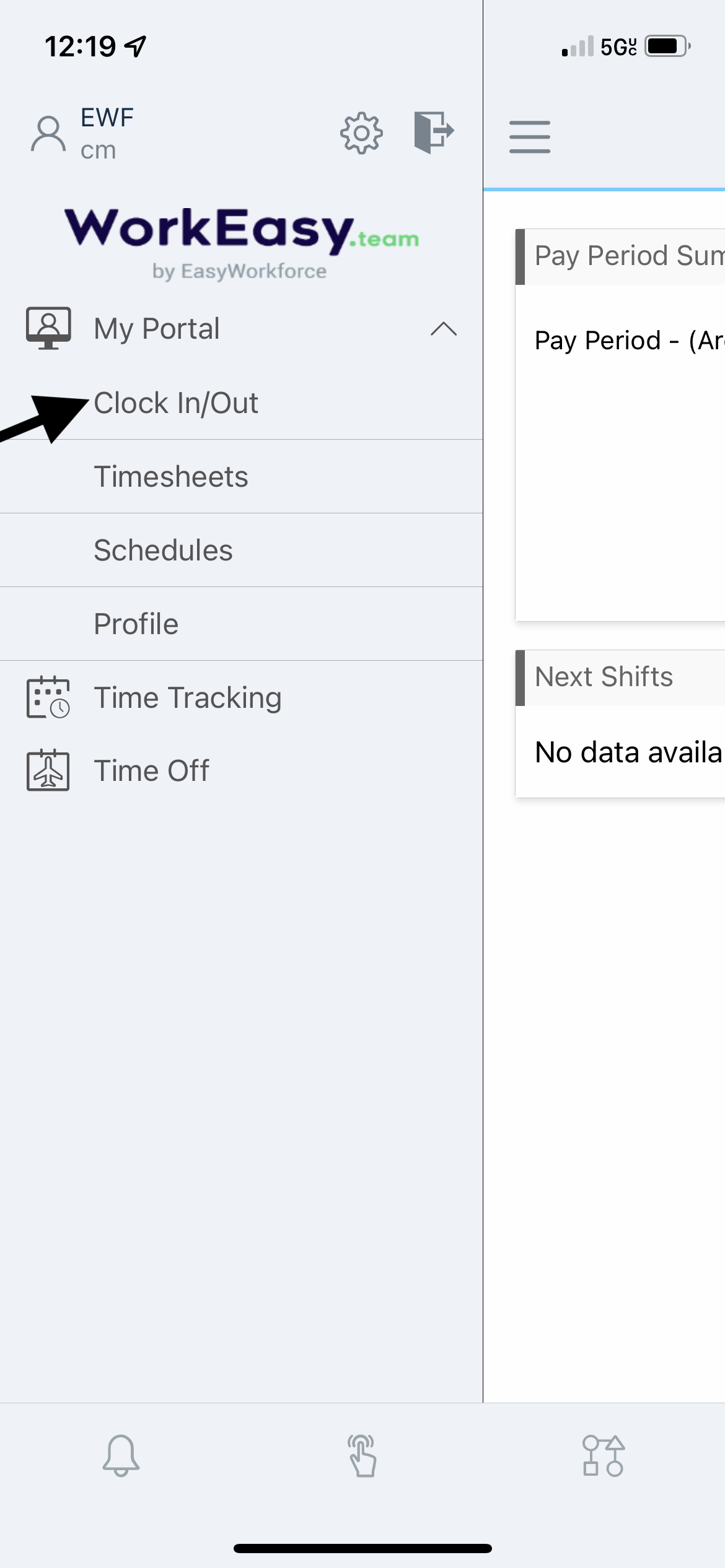
- If the app does not open directly to the Clock In/Out page, tap the menu icon, then tap Clock In/Out under the My Portal tab.
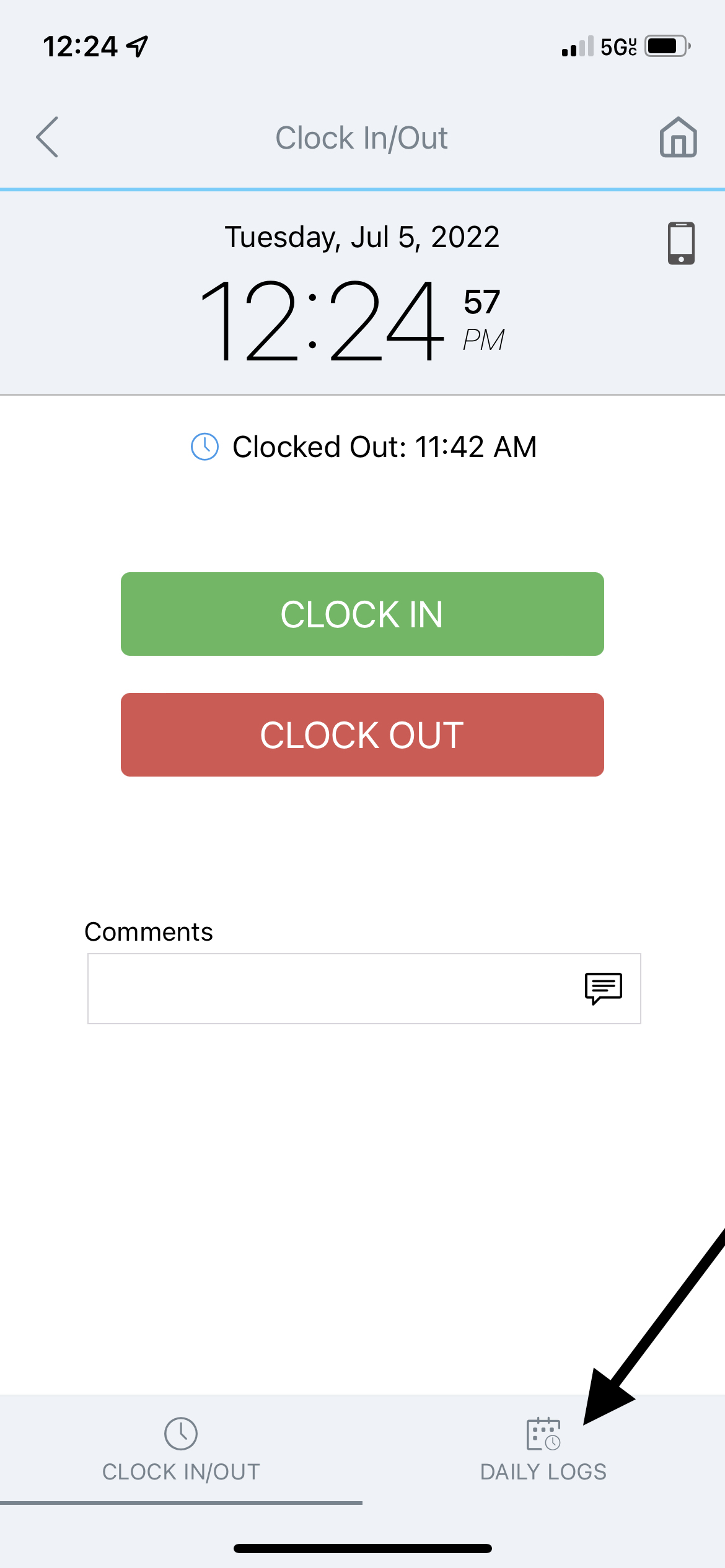
- On the Mobile Clock, press and hold the applicable button for two seconds:
- Select IN to clock in for your shift.
- Select OUT to clock out from your shift.
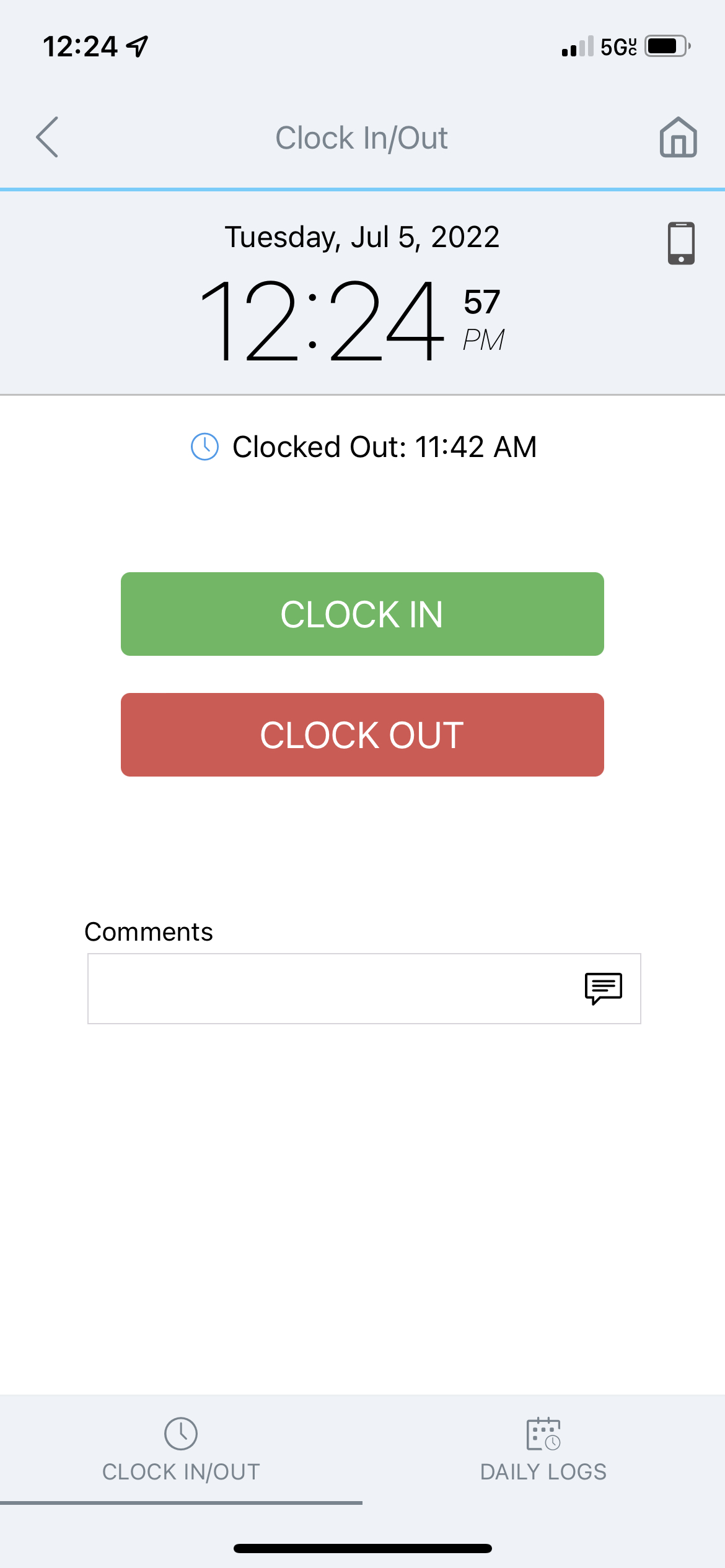
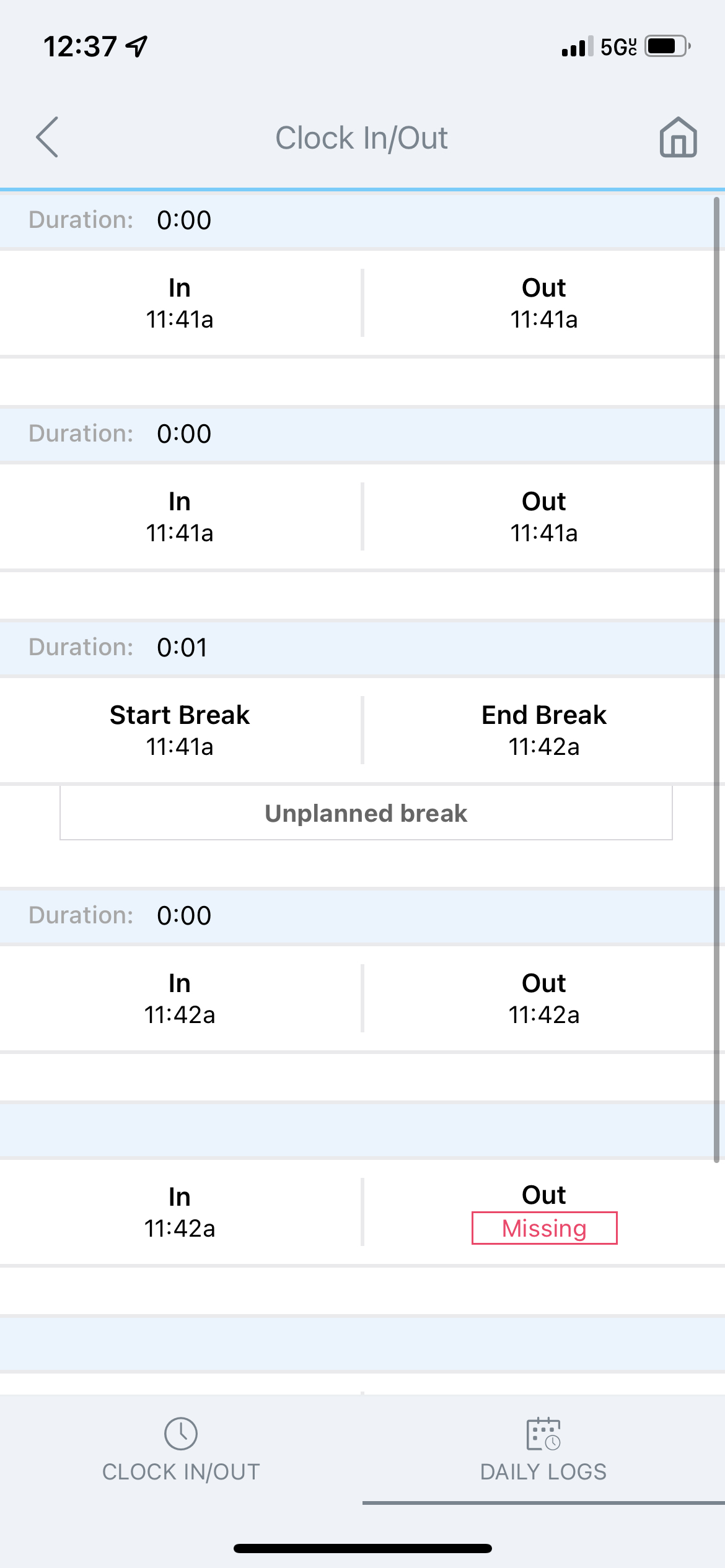
- To check your daily punches, tap Daily Logs in the bottom-right corner.